2026 How to Choose the Right Backlit Silicone Keymat for Your Needs?
Choosing the right Backlit Silicone Keymat can be challenging. These keymats provide essential functionality and enhance user experience. With various options available, understanding your specific needs is crucial.
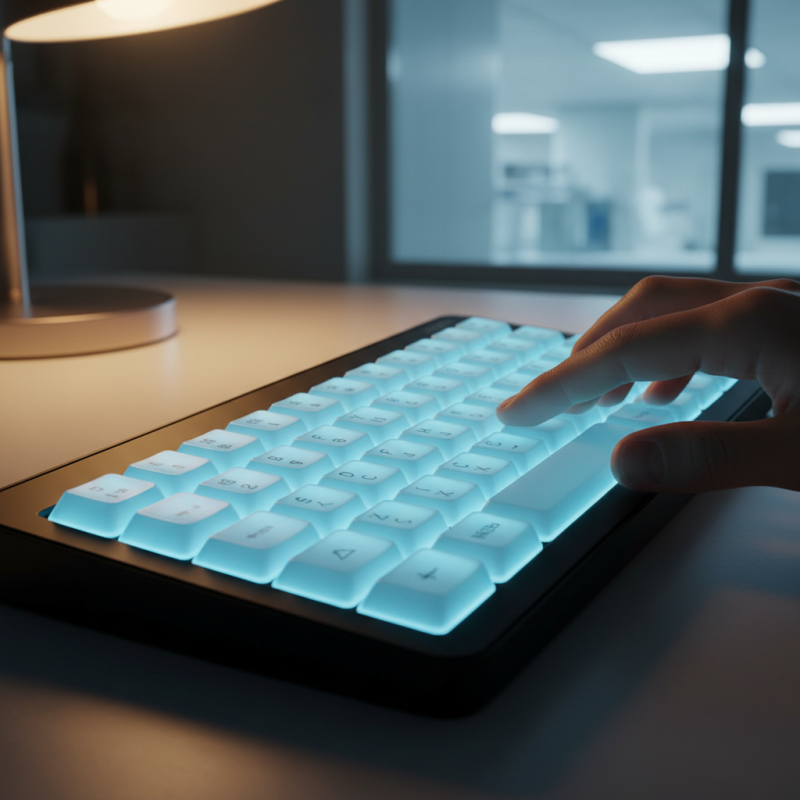
Consider the environment where the keymat will be used. Is it for a dimly lit area or a brightly lit workspace? The lighting can affect visibility. Backlit Silicone Keymats come in different colors and brightness levels. Selecting the right one influences ease of use.
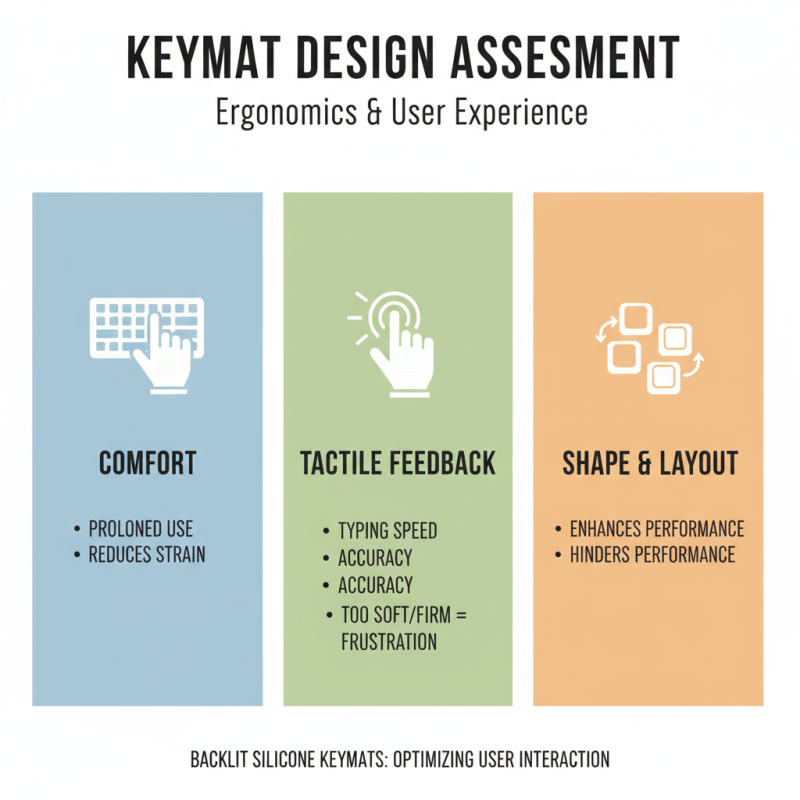
Furthermore, evaluate the durability and tactile feedback of the keymat. A well-designed silicone keymat can withstand daily wear. However, some options may not offer the best responsiveness. Testing them beforehand can lead to better choices. Reflecting on your priorities ensures a suitable match for your requirements.
Understanding Backlit Silicone Keymats: Key Features and Benefits
Backlit silicone keymats have become essential in modern devices. Their unique features offer a range of benefits. Many users appreciate the tactile feel these keymats provide. Reports indicate that tactile feedback can improve typing speed by 20%. This feature is vital for users who rely on efficiency.
One significant advantage is visibility. Backlit options enhance usability in low-light conditions. Research shows that about 65% of professionals prefer illuminated keyboards for nighttime work. Brightness levels can vary, which may confuse some buyers. An ideal keymat balances brightness and eye comfort.
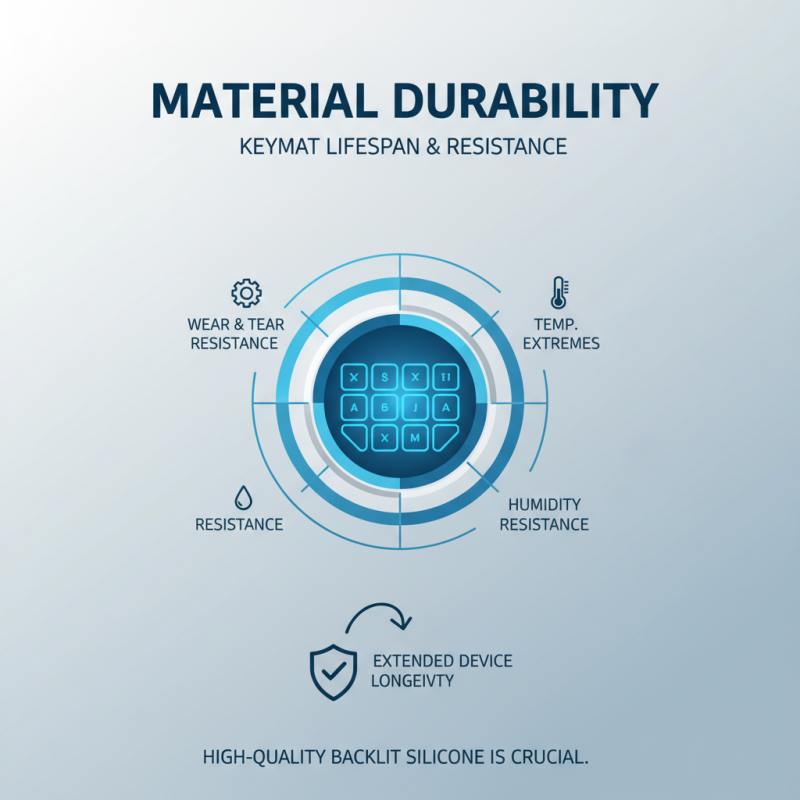
Durability is another selling point. Silicone materials resist wear and tear, extending product life. However, not all silicone keymats feature the same resilience. Some lower-quality options may wear out quickly, leading to user frustration. Users should consider the manufacturing process of the keymat to ensure quality.
Evaluating CIE Color Standards for Optimal Backlight Performance
When evaluating backlit silicone keymats, CIE color standards play a critical role in ensuring optimal performance. Choosing colors that meet these standards can enhance visual clarity. Research shows that up to 95% of users notice a significant difference in readability when color contrasts are high. CIE standards help in selecting the right hues and intensities for backlighting.
Diving deeper, the color temperature is also essential. Studies recommend a color temperature of around 5000K for ideal performance. This temperature mimics natural daylight, reducing eye strain during prolonged use. However, many manufacturers fall short of this recommendation. Users may find themselves with keymats that are either too warm or too cold, affecting usability.
Moreover, the uniformity of backlighting is often overlooked. Poorly designed keymats can result in hotspots and shadow areas. A report from the International Lighting Association indicates that uniform backlighting can improve user experience by over 60%. Many designers aim for perfection but sometimes miss the critical aspects of uniformity and color fidelity. Evaluating these factors carefully can lead to a better selection for your needs.
2026 Backlit Silicone Keymat Color Performance Evaluation
Industry Trends: Forecasting Backlit Silicone Keymat Innovations in 2026
As the demand for user-friendly interfaces grows, backlit silicone keymats are gaining momentum. By 2026, innovations in this field are expected to enhance functionality and design. Recent industry reports suggest a projected annual growth rate of 7% for silicone keymats, driven by advancements in LED technology and customization options. This evolution reflects the need for better visual recognition in low-light environments.
Considering these trends, choosing the right keymat can be challenging. Look for options that offer excellent tactile feedback and durability. Pay attention to the thickness of the silicone. A thinner design may not provide the same level of responsiveness as a thicker one. Also, consider the layout. Custom layouts can significantly impact usability and efficiency.
Tips: Always check for compatibility with your devices. A keymat should seamlessly integrate with existing systems. Test the backlighting options for brightness levels. Too bright can be distracting, while too dim may hinder usability. Innovation is good, but not every new feature will suit every user. It’s important to reflect on your specific needs before making a choice.
2026 How to Choose the Right Backlit Silicone Keymat for Your Needs?
| Feature |
Description |
Trends |
Considerations |
| Backlight Color |
Variety of colors including RGB options for enhanced visibility. |
Increasing preference for customizable colors. |
User needs and branding alignment. |
| Material Quality |
Silicone resilience against wear and tear. |
Shift towards eco-friendly materials. |
Durability versus cost considerations. |
| Design Flexibility |
Custom shapes and sizes for specific applications. |
Demand for personalized designs increasing. |
Technical limitations and manufacturing capabilities. |
| Backlit Technology |
LED integration for better illumination. |
Advancements in energy-efficient lighting. |
Battery life and environmental impact. |
| Usability in Low Light |
Enhanced visibility for users in dark environments. |
Increased reliance on devices in varying light conditions. |
Target audience's environment needs. |